Why I Bought Infinity Suite (And Why I Was Skeptical)
I already own iZotope Ozone, a stack of Waves plugins, and FabFilter Pro-Q. My mixing workflow was functional. So when I first saw the Infinity Suite from Mayu Beatz, my immediate reaction was: why pay $297 for a stock-plugin preset suite when I already have professional-grade third-party tools?
Then I looked at my plugin expenses. iZotope's subscription plan for Ozone Pro, Neutron Pro, and RX Pro costs $239.88 per year according to DJ Mag. Over five years, that's $1,199 spent with nothing owned if you cancel. Waves has its own update cycles. FabFilter isn't cheap either. I was paying rent on tools I thought I owned.
There's a growing counter-movement among producers right now: going back to native DAW tools and mastering what's already built into the software. Call it the stock plugin renaissance. Apple's May 2026 Logic Pro update added an enhanced Stem Splitter (now handling guitar and piano stems), Flashback Capture for retrieving unrecorded performances, and new sound packs, making the native ecosystem stronger than it's ever been. That context made me reconsider whether a one-time $297 Logic Pro preset suite could genuinely replace recurring subscriptions.
This review is a component-by-component breakdown based on actual sessions, not a marketing overview.
What's Actually Inside Infinity Suite: The Full Breakdown
The Infinity Suite (Logic Pro Edition) contains 7,000+ production assets spread across six distinct component categories. Here's what you're actually getting:
- 900+ Mixing and Mastering Channel Strip Chains: one-click chains built entirely with Logic Pro's native stock plugins, covering bus processing, instrument-specific chains, and full mastering setups.
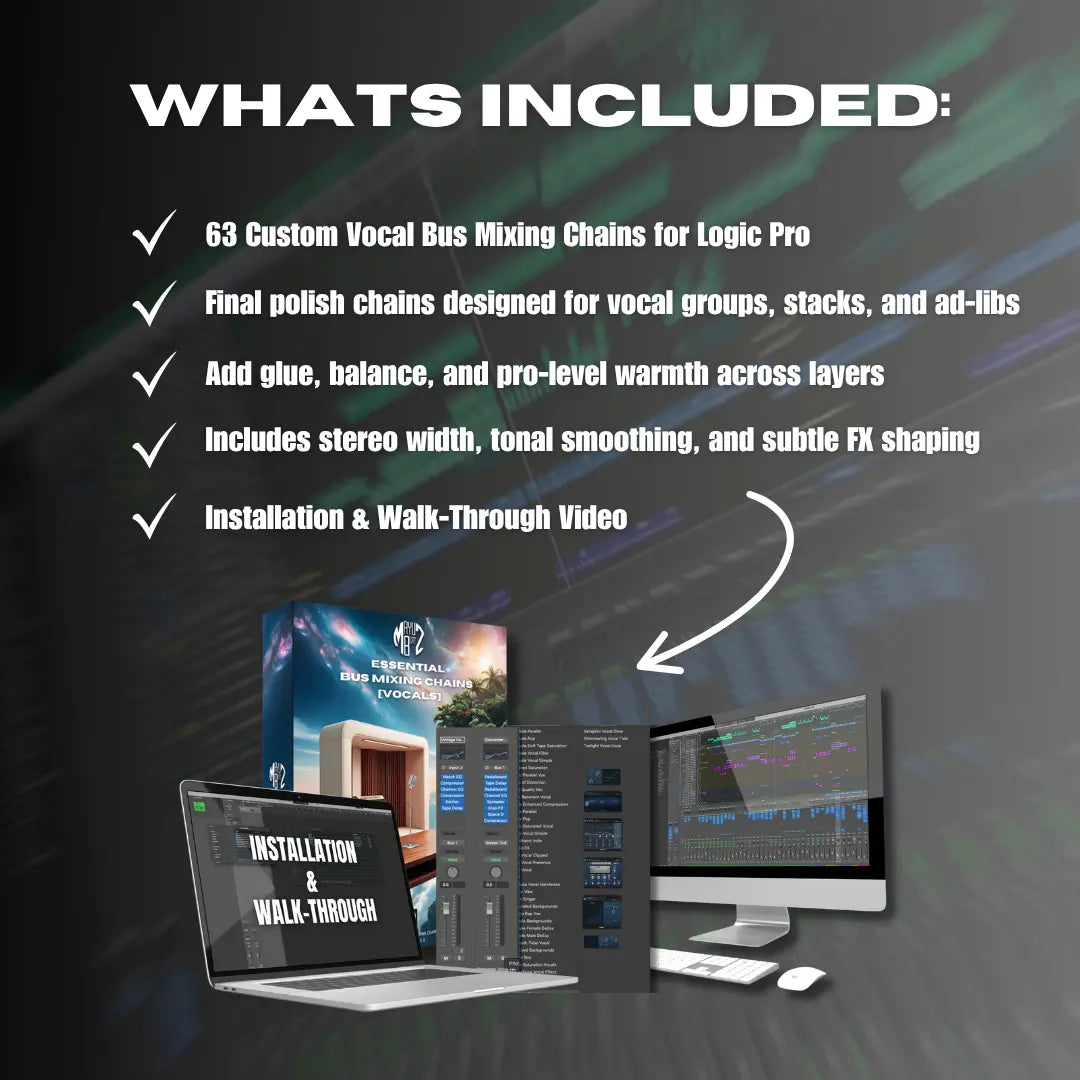
- 130+ Vocal Chains (Levitation Vocal Presets): purpose-built for Hip-Hop, R&B, Pop, and EDM vocal processing. No third-party plugins required.
- 4,500+ Remapped Logic Channel Strip Chains and Instrument Patches: exclusive content unavailable anywhere else. More on why this matters in the next section.
- 1,500+ Custom Alchemy Synth Presets: also exclusive to the suite, representing a massive expansion of Logic Pro's most underused instrument.
- 60 Custom Patches: exclusive, production-ready instrument patches.
- Production Vault: includes MIDI arp grooves, Quick Sampler loops, 4 premium sample packs, 7 pre-routed Logic Pro templates, and deep-dive video walkthroughs.
Buying the individually available components separately would cost $392 based on standalone pricing. The suite is $297, which means the exclusive content (the remapped chains, Alchemy presets, custom patches, templates, and walkthroughs) comes at no additional cost beyond the bundle price. That's not a small detail.
Requirements are minimal: Logic Pro 10.4 or newer on a Mac. No third-party plugins to install, no Rosetta compatibility issues on Apple Silicon, no subscription to maintain. Everything is delivered as an instant digital download with lifetime access. If you're on FL Studio, there's a separate FL Studio Edition at the same $297 price point, custom-built for that DAW's native plugin ecosystem.
The Hidden Logic Pro Problem Infinity Suite Actually Solves
This is the section that convinced me the suite was more than just a preset collection. It addresses a real Logic Pro limitation that most users don't even know exists.
Here's the issue: Logic Pro's most powerful FX chains are locked inside specific instrument patches, designed to process the output of those instruments internally. You cannot natively load these chains efficiently onto audio tracks, aux tracks, or summing stack tracks. The routing simply doesn't allow it through normal means.
Most Logic Pro producers have never encountered this limitation because they've never tried to access those chains outside their original context. But once you realize how many sophisticated processing configurations are buried inside instrument patches, you understand how much untapped power is sitting in your DAW.
What Mayu Beatz did was unlock and convert these chains into universal .cst (Channel Strip) files, so you can load any of the 4,500+ remapped chains onto any track type with a single click: audio tracks, VST tracks, aux buses, summing stacks, master channels.
This is exclusive to Infinity Suite. You cannot get these remapped chains anywhere else, and Logic Pro doesn't offer a native way to do it yourself without significant manual effort.
For workflow impact, consider this: Mayu Beatz estimates that producers lose 45+ minutes per session rebuilding signal chains from scratch. When you can load a complete, professionally configured chain in one click, that time cost disappears. Over weeks and months of sessions, the cumulative savings are substantial.
My First Session With Infinity Suite: What Happened in 30 Minutes
Installation was genuinely simple. Drag-and-drop into the correct Logic Pro user folders, and everything populates in the DAW's browser. Verified customer reviews on the Mayu Beatz product page describe the same experience, so this wasn't a fluke on my system.
Here's how my first 30 minutes played out:
First 10 minutes: I loaded a mixing chain onto an audio track with a rough drum bus. One click. The result was immediately audible: tighter low end, controlled transients, a polished top end. No tweaking required to get a usable starting point. I spent the remaining time A/B testing against my usual iZotope chain. The stock-plugin chain held up.
First 20 minutes: I opened the Levitation Vocal Chains. With 130+ options, the process was auditioning by genre and style tags. I found a Hip-Hop vocal chain that sat a dry vocal into a beat within three tries. The chains handle compression, EQ, saturation, and spatial effects in a single preset load. For producers who spend entire sessions dialing in vocal processing, this is a significant time saver.
First 30 minutes: I opened the Alchemy preset library. 1,500+ sounds is a lot to navigate. I focused on pad and lead categories first. The sounds are production-ready, not generic factory patches. Many have movement and character that would take real programming time to build from scratch.
Honest note on the learning curve: 7,000+ assets can feel overwhelming on first load. The 7 pre-routed templates and video walkthroughs are essential for orienting yourself. Start with the templates to understand how the components fit together before browsing the full library. The mixing chains and vocal presets deliver immediate results. The Alchemy presets and remapped chains reward deeper exploration over multiple sessions.
Which Components I Actually Use (And What Collects Dust)
Not all 7,000+ assets get equal use. That's the honest reality most reviews skip over. Here's how the components rank in my actual workflow after extended use.
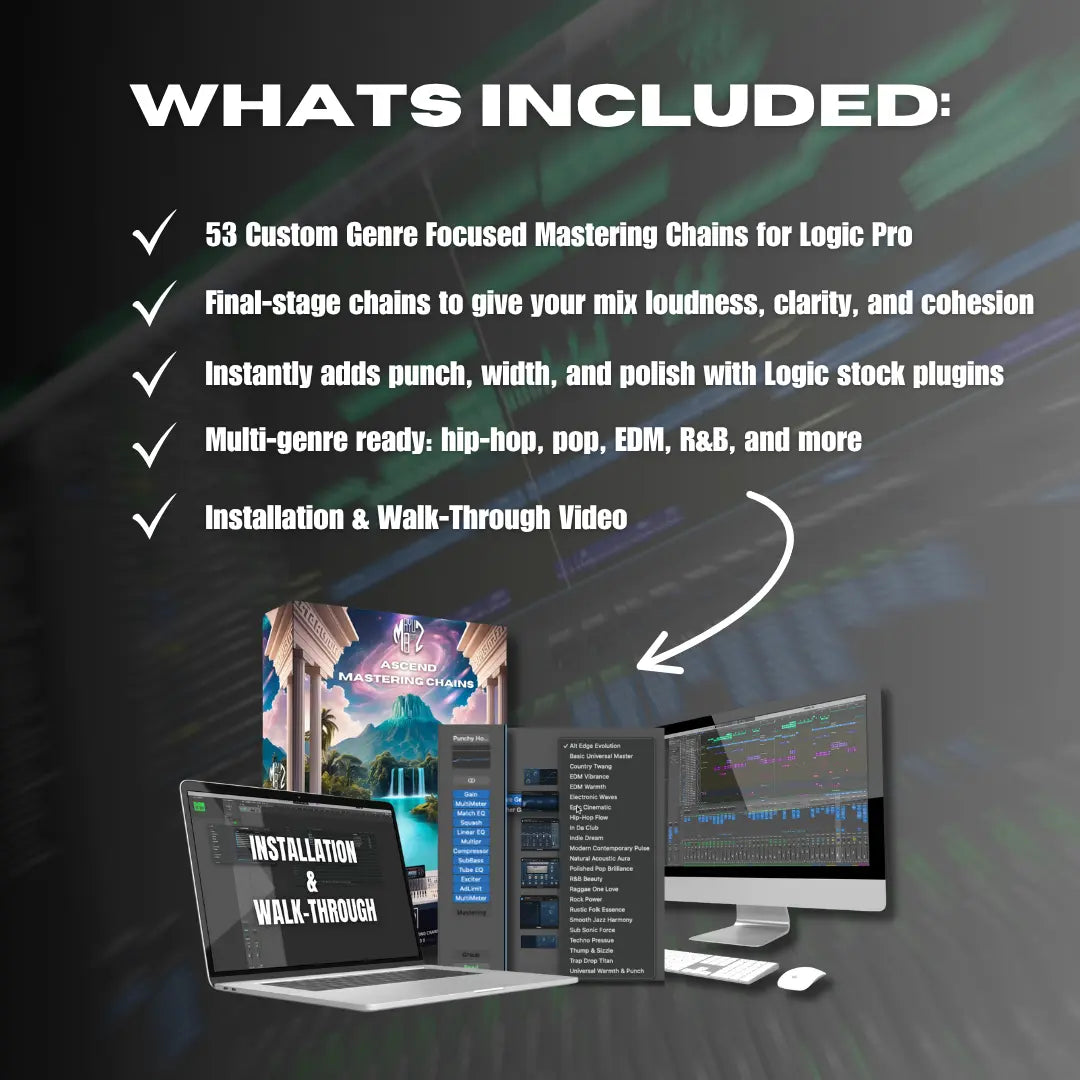
Most used: the 900+ mixing and mastering channel strip chains. These are the backbone of the suite. One-click results that consistently deliver professional-sounding starting points. A verified buyer review on the Mayu Beatz product page described the Ascend Mastering Chains as competitive with iZotope Ozone. After using them myself, I understand why. The output quality is in the same conversation.
Second most used: the Levitation Vocal Chains. 130+ options covering Hip-Hop, R&B, Pop, and EDM vocal processing. I reach for these on every session that involves vocals. Getting a polished vocal sound without opening a single third-party plugin has genuinely changed how I approach vocal mixing.
High value but slower burn: the 4,500+ remapped chains. This is an enormous library. I'm still discovering chains that solve specific problems I didn't know I had. The value compounds over time as you learn what's available, and it rewards producers who invest time exploring.
Alchemy presets: a significant differentiator. Most Logic Pro producers underuse Alchemy because programming it from scratch is time-intensive. Having 1,500+ custom presets unlocks the instrument in a way the factory library doesn't. I use these regularly for sound design and beat-making sessions.
What gets less use: The MIDI arp grooves and Quick Sampler loops are useful but feel secondary to the chains and presets during mixing-focused sessions. They're more relevant for beat-making and arrangement work.
Underrated: The 7 pre-routed templates function as complete session starters. They're especially valuable for beginners or for producers switching between genres who want a clean starting point with routing already configured.
One honest note: producers with a deeply established mixing workflow and custom templates may find some mixing chains redundant with their existing habits. But the remapped chains and Alchemy presets remain unique regardless of experience level. No other product offers them.
Is $297 Actually Worth It? The Honest ROI Breakdown
Here are the numbers directly.
Infinity Suite: $297, one-time purchase, lifetime access. No subscription, no renewal fees, no re-purchase when Logic Pro updates.
iZotope subscription: $239.88 per year. Over five years, that's $1,199 spent. Cancel, and you own nothing.
Professional mixing services: $300 to $3,000 per song according to AMW Group's pricing data. Mastering runs $50 to $500 per track. One session where you use Infinity Suite chains instead of outsourcing can recoup the entire purchase price.
The standalone component value totals $392. The suite saves $95 upfront and delivers exclusive content (4,500+ remapped chains, 1,500 Alchemy presets, sound design workflows, templates, walkthroughs) at no additional cost. That math is straightforward.
There's also the compatibility angle. Logic Pro has received 11+ years of free updates, including AI-powered tools added at no cost in 2024, 2025, and May 2026 via Apple Newsroom. Stock-plugin presets don't break when the DAW updates. Third-party plugins frequently do, and that's a hidden cost most producers don't factor in until it happens mid-session.
The broader market context reinforces this. The music software industry has pushed aggressively toward subscription models — tools that cost you annually with nothing owned if you cancel. As explored in Why Stock Plugins Still Matter Even If You Own iZotope, Waves & NI, the performance gap between subscription plugins and well-configured stock tools is narrower than the industry wants producers to believe. And as covered in What Is Your Time Worth as a Music Producer?, the real cost of rebuilding chains from scratch every session compounds into a significant hidden expense most producers never calculate. Infinity Suite addresses both problems with one purchase.
For an independent producer handling your own mixing and mastering, the math is clear: a one-time $297 investment versus recurring annual costs that compound year after year with no equity built. The one-time model wins on pure economics.
Who Should Buy Infinity Suite (And Who Shouldn't)
Buy it if:
- You produce Hip-Hop, R&B, EDM, or Pop in Logic Pro and want to stop depending on third-party plugins for professional results.
- You're spending 45+ minutes per session rebuilding signal chains from scratch. This solves that problem directly.
- You want to unlock Logic Pro's full native power, including the remapped chains and Alchemy library that most producers never access.
- You're a recording artist or beatmaker who needs commercial-ready mixes without outsourcing. All assets are 100% royalty-free for commercial use.
Skip it if:
- You're not on Logic Pro (Mac only, Logic Pro 10.4+). The FL Studio Edition exists but is a separate product built for that DAW.
- You produce in genres with highly specialized mixing needs that require hardware emulations only available in third-party plugins (think analog console modeling for jazz or orchestral work).
- You're a complete beginner with no foundational understanding of signal chains. The volume of 7,000+ assets will be overwhelming without basic mixing knowledge. The templates and walkthroughs help bridge this gap, but some baseline experience is needed to get the most out of the suite.
The honest summary: Infinity Suite is built for the independent producer who wears every hat, producer, mixer, mastering engineer. If you need professional results without a professional budget and you're committed to Logic Pro, this is the most comprehensive stock-plugin toolkit available.
Final Verdict: Infinity Suite Review Conclusion
Infinity Suite delivers 7,000+ assets built entirely on Logic Pro's native plugins. No third-party plugins, no subscriptions, no compatibility issues. The remapped Channel Strip Chains alone are a unique technical solution to a real Logic Pro limitation that no other product on the market addresses.
At $297 one-time versus $239.88 per year for competing subscription tools, the ownership math favors Infinity Suite for any producer planning to use Logic Pro (or FL Studio) long-term.
It's not a magic button. Results improve with time spent exploring the library and understanding which chains fit your workflow. But the floor is high and the ceiling is professional-grade. Even on first load, the mixing chains and vocal presets deliver usable, polished results.
This is a tool built by a working producer, Sam Mailloux, with real sync placements and millions of streams. That context matters when evaluating whether the presets reflect real-world production decisions. They do.
Check the full component breakdown on the Infinity Suite product page and decide based on your workflow needs.
Sources
- Infinity Suite – Logic Pro Edition (Official Product Page) – Mayu Beatz
- Infinity Suite | Logic Pro & FL Studio Collection – Mayu Beatz
- Logic Pro Stock Plugins: Build a Pro Mixing Chain for Free – Mayu Beatz
- Essential Bus Mixing Chains – Vocals (Logic Pro) – Mayu Beatz (Customer Reviews)
- Logic Pro amplifies beat making on Mac and iPad – Apple Newsroom (May 2026)
- Are plugin subscriptions good for producers? – DJ Mag
- How Much Does Music Production Cost? 2026 Pricing Guide – AMW Group