


Essential Mixing Chains All Purpose | FL Studio


Check it out!
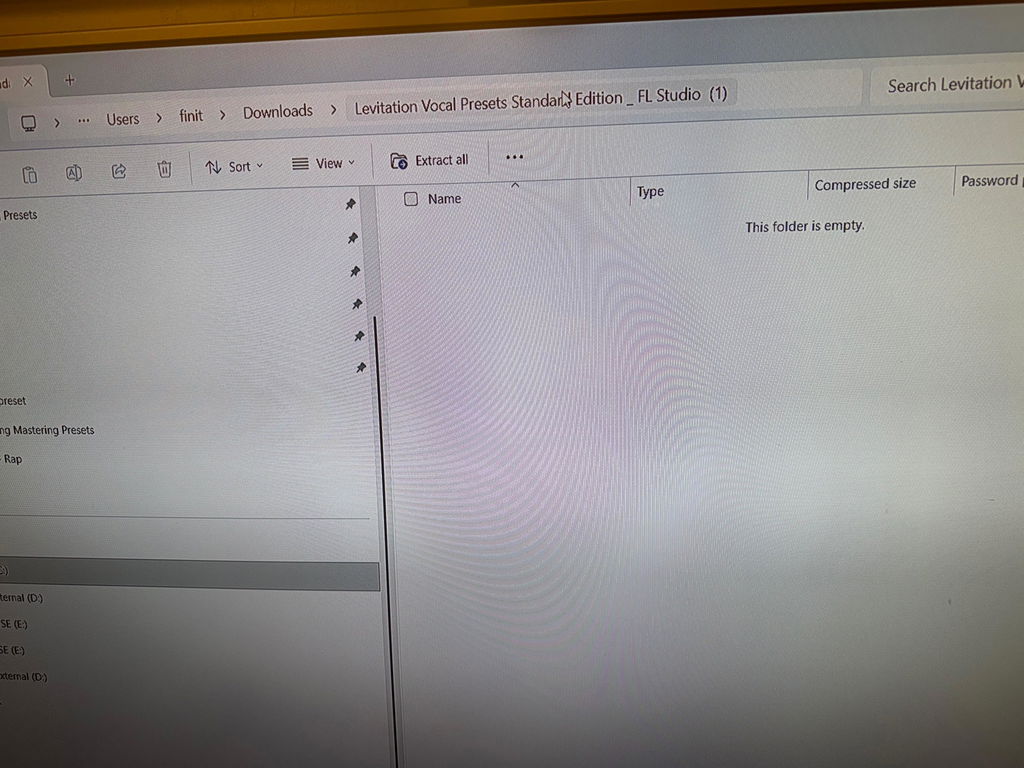
I purchased the standard version, I have the required software, but the zip folder was empty. Sam hopped right on it after I emailed the issue and worked it out. He was super cool with the whole situation and squared me away. Thanks
Still working my way through everything in the Infinity Suite, but I wanted to share some initial thoughts because… wow. The amount of content here is wild — and the quality is just as impressive as the quantity.
What really hit me is how much this suite made me appreciate Logic’s stock tools. I’ve always used third-party plugins for most of my work, but diving into these presets has totally changed that. Everything is built using Logic’s native plugins, and it all sounds amazing and runs super efficiently — no extra CPU strain, no compatibility headaches. Just smooth, optimized workflow.
The vocal chains were the first thing I dug into, and they made an immediate impact. Like, it was instantly better. Cleaner, fuller, more present — and without having to do any deep tweaking. It honestly helped shape the creative direction I was heading in.
I also spent time with the instrument chains, and they really opened my eyes. I’ll admit, I hadn’t been taking Logic’s instrument sounds all that seriously before. But these presets gave them a new life. They feel dialed in — like someone’s already done all the EQ, compression, and sweetening, so I can just focus on creating.
And then there’s Alchemy. I used to think Alchemy was kind of underwhelming after Apple bought it — mostly because of the presets. But this suite completely flipped that for me. The sounds here are deep, modern, and playable. Some of the most fun I’ve had has been exploring those patches and morphing them with the XY pad.
Big shoutout, too, for the workflow enhancements. The folder structure is clean, everything’s labeled intuitively, and the CST files retain plugin settings when switching chains — which I really appreciate. Makes the whole experience way more fluid.
I still have a lot more to dig into — the mastering templates, sampler patches, bonus packs — but I can already say this is one of the most inspiring and thoughtfully made suites I’ve used in Logic. Hats off to Mayu Beatz. You’ve taken Logic to another level.
This some sauce fr, especially the bus sends. It took my dry vocal chain into something way fuller sounding. Main vocals sounds great to but everyone’s voice is different so you might have to tweak the eq to your kinda voice. But other then that it’s great💯
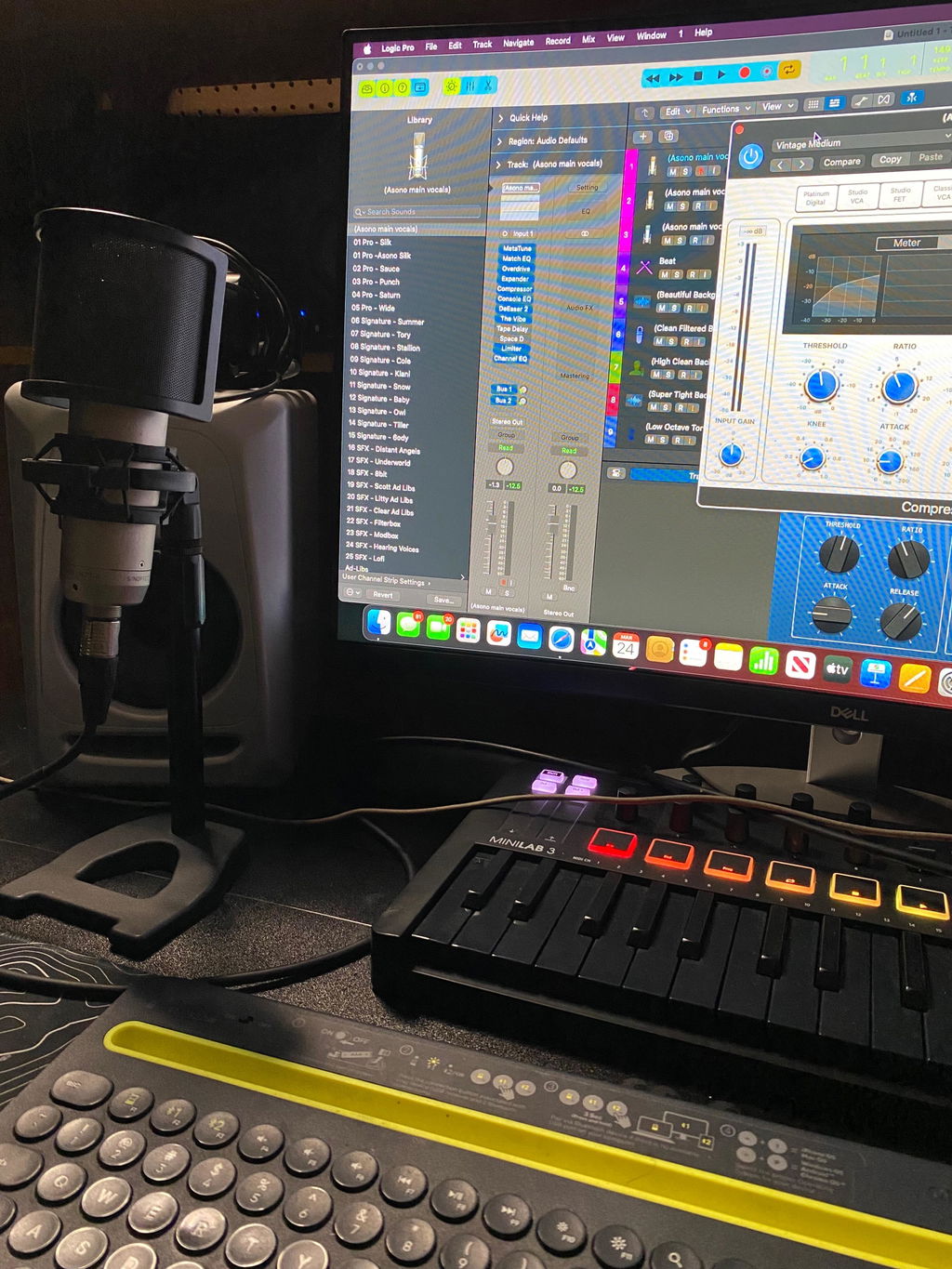
So goodt hat I plan to increase my order. Thanks
I recently installed the entire SUITE….. SWEET!!!!
So far so Sweet!!!!
I’m a huge fan already!!!!
Just bought the infinity suite, Wow!! It has literally cut my work flow by half. I’m producing quality tracks and mixes using the infinity suite as a fantastic starting point. I would highly recommend this to anyone who is mixing, recording or just wants to have a great deal of fun. An exceptional plug in.
One of the best companies out there for plugins! Their customer service is outstanding—they helped guide me through every step of the download process and answered all of my questions. The sound quality is absolutely amazing, and the software is very easy to navigate with intuitive controls and settings. I highly recommend their products to anyone looking for professional-quality plugins. I can’t wait to get the full production pack!
perfect custom presets
I don't know anything about mixing, so to be honest, I'm completely lost. Discovering Mayu Beatz was truly a pleasure for me. He took the time to talk with me on social media, gave his time and genuine attention, and that's pretty rare these days. He's much more than just a preset seller, above all, he's a very human person. He guides us, takes the time to listen, and on top of that, the quality of his work is outstanding. Thanks again to Mayu Beatz, and I'll definitely be coming back to him in the future. 🧙🏻♂️
The sheer amount of content in this is wild. I love how organized everything is too. They did a really good job on all the tools. Definitely recommend.
The FX chains are genuinely impressive, especially the drum chains. The way they bring out the snare and kick is exactly what was missing from my mixes.
I found it hard to use at first and I texted mayubeatz on IG, very loving guy!!!… he helped me set it up and since then, I’ve been enjoying…. Great shit!!… love man❤️🔥
Brilliant great tools
Thanks for your preset. This was wonderful
I'll tell you that you did a great job with this preset thing... Nice work.
Some of these provide a good starting point to find some different vocal effects
This helps me a lot when I make music! I'm very grateful to Mayubeatz!


